
Network Attached Storage (NAS), explained in 100 seconds.
I am a paranoid data-hoarder.
There, I said it.
I hear stories of people’s entire iCloud photo library being accidentally deleted, and I shiver.
Also, the idea of ”running out of storage space” gives me anxiety.
At one point, I was paying for…
- Google Drive storage AND
- Dropbox AND
- iCloud AND
- buying new external hard drives each year AND
- Netflix AND Spotify AND HBO Max AND Prime AND Audible
I pay for none of those now.
Actually we still pay for Netflix because my wife won’t let me cancel. Dadgum Call The Midwife.
ENTER: The NAS.
What’s a NAS?
Stands for ”Network Attached Storage.”
But it’s easier to explain backwards.
- STORAGE = hard drives
- ATTACHED = plugged into…
- NETWORK = …your wifi router
Right cool beans Pete…but what IS the actual device?
A server (a.k.a. ”computer”).
When you hear ”SeRvEr”, just think ”computer.”
Let the fancy-pants IT Professionals flame me for that description, but there ya go.
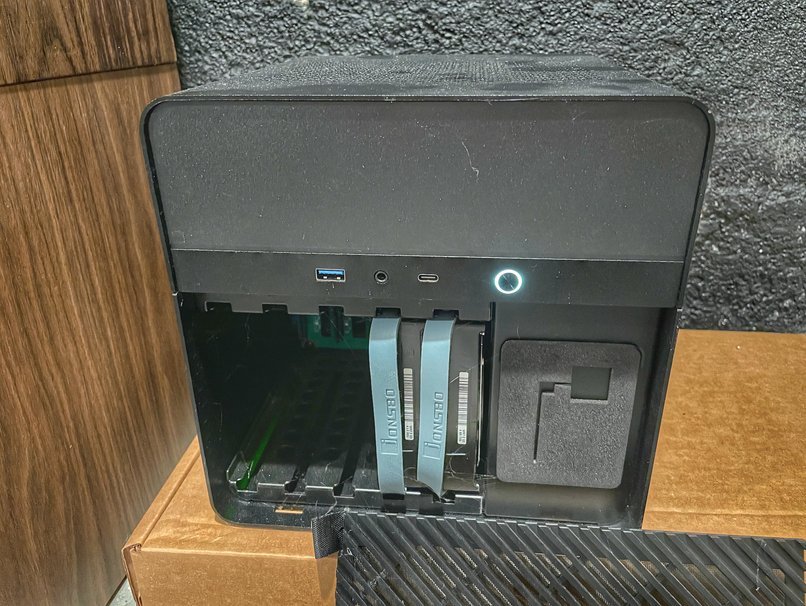
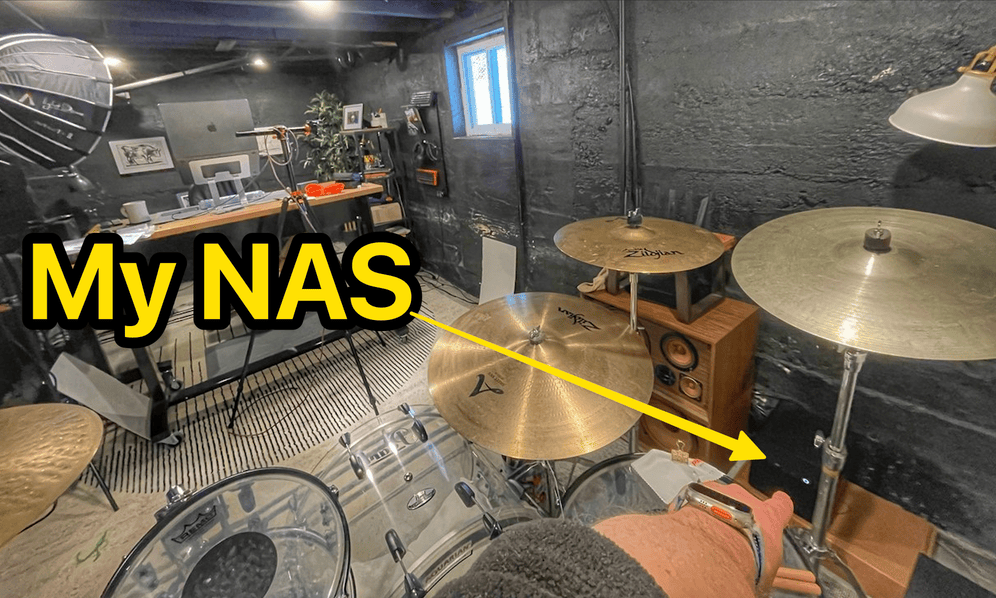
Mine hangs out next to my router in my basement. A tiny bit bigger than a toaster.
I forget it’s there—until I need it.
Boorrriiiing. Who cares?
A NAS can do LOTS of cool things, actually.
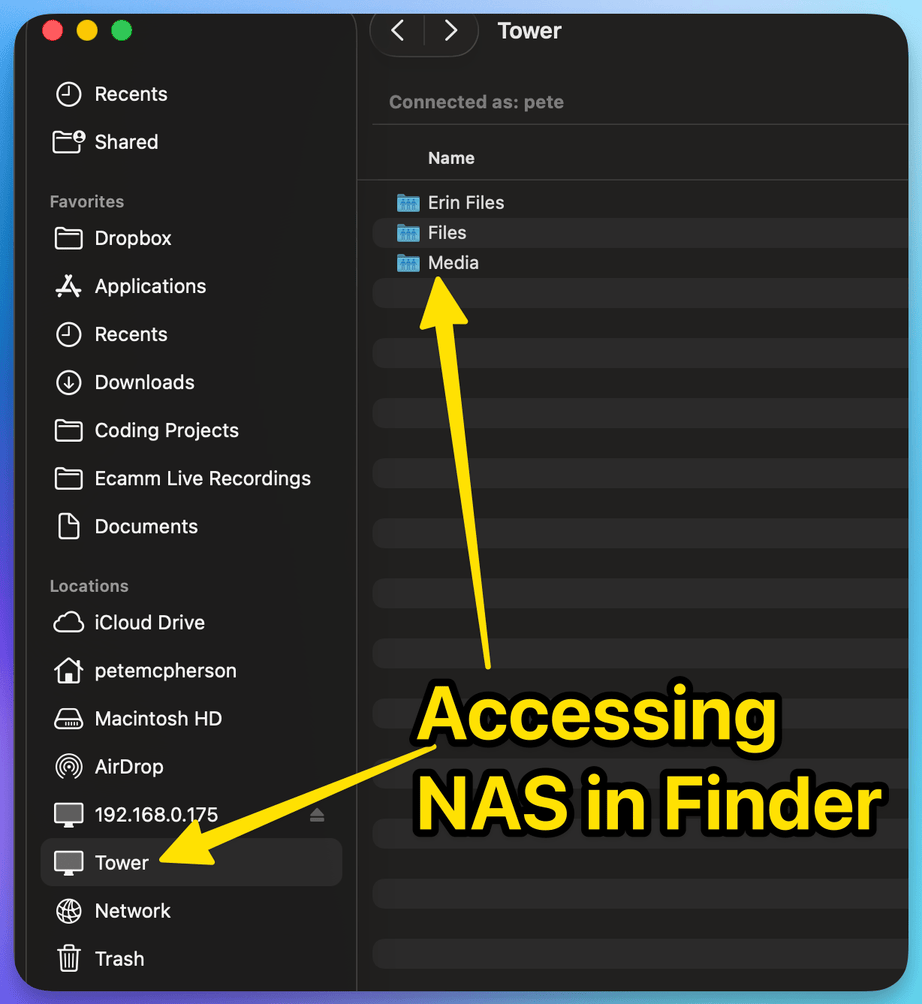
My own personal cloud storage
I moved my stuff OFF of iCloud, Dropbox, and Google Drive 👉 onto my NAS.
I can access it from anywhere in the world.
My own media streaming platform
- All my photos
- All my movies & TV shows 🏴☠️
- All my music
Stored on the NAS.
I use free, open-source software to ”consume” that stuff.
- Photos = Immich (and it’s AMAZING)
- Movies/TV = Plex
- Music = Plexamp
Perhaps we’ll talk about how I get that media in another email? 🏴☠️
Running software 24/7
I could…
- host my WordPress sites from my ”server.”
- install AI LLMs on it.
- put Openclaw on it to have those LLMs operate on their own—24 hours a day.
- automate backups and other stuff to happen overnight.
Ok ”paranoid Pete”, all of your data on a hard drive in your basement? Sounds risky.
Not as long as I stick to the ”3-2-1 Backup Method!”
- THREE copies of your data
- on TWO different devices
- with at least ONE of them stored off-site.
Here’s my setup:
- My NAS has an 8TB hard drive. It stores stuff.
- My NAS has another 8TB ”parity” hard drive, sitting right next to the other one.
- A USB external hard drive, sitting at my mother-n-law’s house.
If a HDD fails, the ”parity” is a backup.
If my basement floods, my (backed-up quarterly) external hard drive is the backup.
If my town is nuked and I lose both, I have bigger problems to worry about.
3 ways to have your own NAS
Buy a pre-made one (easiest)
Synology is the go-to. Plug it in, install their app, you’re basically done. More expensive, but simple.
NOTE: Some pre-mades come with the actual hard drives, but many do NOT.
- 2-HDD Synology pre-made = $275
- 5-HDD Synology pre-made(”top-of-the-line” specs) = $2,000
There are PLENTY around the $200-400 price range! (If you just cut ONE Dropbox subscription, that’ll pay for itself in no time 💸).
Build your own (most fun, what Pete did)
Order parts, watch YouTube, put it together like adult Legos. It WILL take time and patience—but you’ll spend WAY less money than a similarly-featured pre-made.
Mine cost roughly $450, including the hard drives, and it has roughly the same specs as the $2,000 Synology.
#humblebrag
Recycle an old computer (cheapest)
Old desktop in the storage unit (or Goodwill)??
Install Unraid or TrueNAS on it and BOOM. You have a NAS. Great way to dip your toes in before spending a lot.
| PRE-MADE | DIY | OLD COMP | |
|---|---|---|---|
| COST | $$$ | $$ | $ |
| DIFFICULTY | Easy | Hard | Medium |
| FUN | 😊 | 🤩 | 😅 |
NAS software
Pre-made NAS boxes come with their own software.
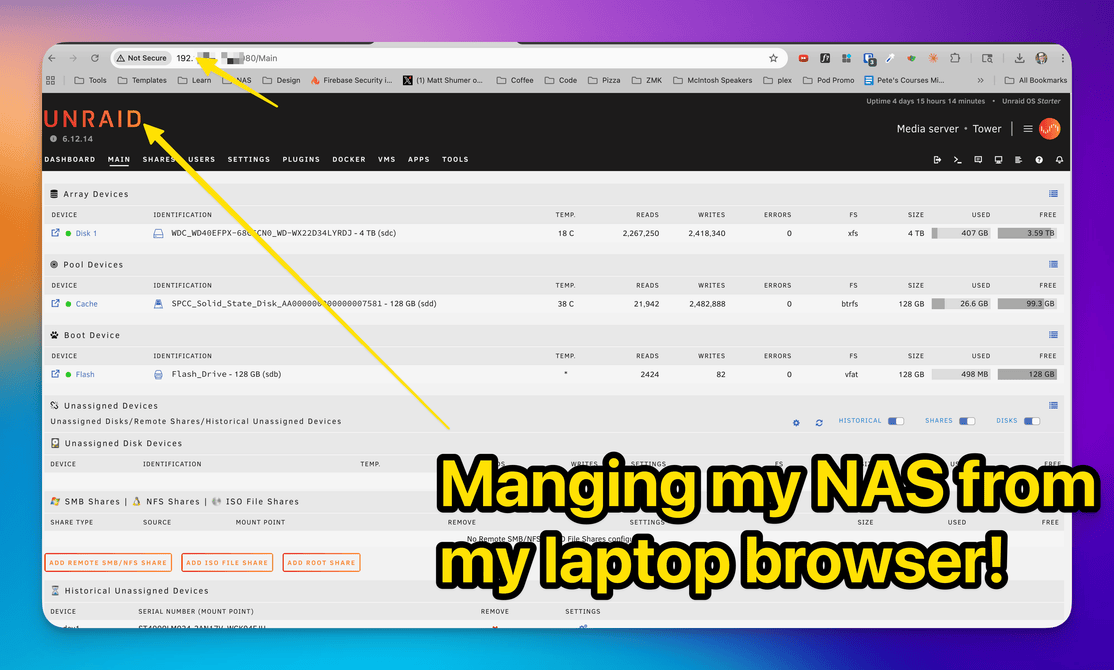
Build your own or recycle an old PC? You’ll need to install an OS. I went with Unraid ($49 lifetime) because it seemed the most ”i’ve never done this before”-friendly. Worth every penny.
Power consumption
Most NAS units are specifically engineered to use as little power as possible.
Each hard drive (once spun up) might use between 6-12 watts, and the rest of the NAS a bit more.
My hard drives are spinning 24/7, and I estimate roughly $4/month in electric.
An old computer might be a bit higher if it’s running 24/7.
I want to do this. What are the next steps?
PRE-MADE 👇
Do shopping research! I recommend sticking with Synology, but I’ve also heard of…
- Terramaster
- QNAP
- Ugreen
The SOFTWARE is what you care about with pre-mades, and Synology and Terramaster are more ”proven.”
BUILD YOUR OWN 👇
- Read through one of Brian Moses build breakdowns! These are great for ”what do I need to order.” He publishes a new one every year. I followed the ”2024 econo-nas” build.
- Order parts (I used Aliexpress for most of my stuff cuz’ it’s cheaper)
- Head to YouTube for how to put it all together
It took me maybe 8 hours spread out over a few weeks. If you don’t enjoy this process, don’t go the DIY route.
You WILL have to Google/YouTube/Claude.ai each little roadblock that comes up!
Rabbit-holes…
Things you’ll likely learn about in this process…
- How do I ”expose” my NAS to the internet, so I can access it when I’m NOT on my wifi network?
- Why tf are hard drives so expensive, and is it worth considering used hard drives from Ebay? (yes)
- Pete, do you have a cool way to see current hard drive prices-per-GB on ebay? YES.
- You didn’t get this from me, and I definitely don’t approve of it.
⚠️ Accept Side Quest?
Get a NAS. A cool device that can replace cloud storage tools, expensive streaming platforms, and WAY more stuff.
Reward: 🟡 20g
lol I used to play World of Warcraft, and this makes me nostalgic.